
The GIOS platform is an interactive online platform for learning mathematics. It helps children understand and love the subject and helps teachers introduce blended learning in their classes.
1. Start by presenting the platform and its demo lesson to students.
Explain that GIOS can be used from a computer, tablet, or smartphone. The platform contains online mathematics courses with theory and a variety of tasks for each topic. Complete a free lesson on the platform with your students.
2. Tell parents more about the benefits of blended learning.
3. Send the parents’ group an offer to introduce blended mathematics learning with the GIOS platform.
4. Discuss the offer with parents in a chat or at a parent meeting.
Explain what benefits all participants in the learning process will receive.
Teachers will find it easier to engage students in mathematics and intensify the learning process.
Students will see that gadgets can be used not only for entertainment but also for learning. They will gain experience with online courses in general and video content in particular. They will also improve self-control, self-esteem, and self-analysis — important skills for the 21st century.
Parents will be able to modernize their children’s mathematics education and save money by purchasing an annual course for UAH 350 instead of UAH 980 for an individual purchase. It is important to explain that blended learning changes the learning process: students will first try to master some of the material independently. This encourages each student’s independence.
Important! Parents should not interfere with this process or help children work through new material. The student will not be left alone with a gadget: the teacher will work through the material in class, so the student will be able to get answers to all their questions. It is also important to note that children will likely change professions several times during their lives. Experience with online courses will significantly simplify acquiring new knowledge in the future.
1. Contact the platform coordinator.
If parents support your initiative, contact the platform coordinator, who will help connect you and your students to the platform. Call +380 67 620 0044 or send an inquiry here.
It is best to add all students in the class centrally. Let students know in advance that you will distribute platform access codes during the lesson. Each student must create an email address or have access to an existing one, including remembering its email and password. Before entering the access code, which connects the teacher with students on the platform, the student must register on the platform.
How do you do this? Watch the video below.
If a student is already registered on the platform, they only need to log in to their personal account and enter the new access code.
IMPORTANT! Students must remember which email they used during registration and the password.
It is best to create a table matching each student with an access code. This will help avoid confusion later.
For an online course to appear in a student’s personal account, and for you to track their work on the platform, each student must enter the access code.
IMPORTANT! Check that the keyboard layout is set to English. Uppercase and lowercase letters in the code matter.
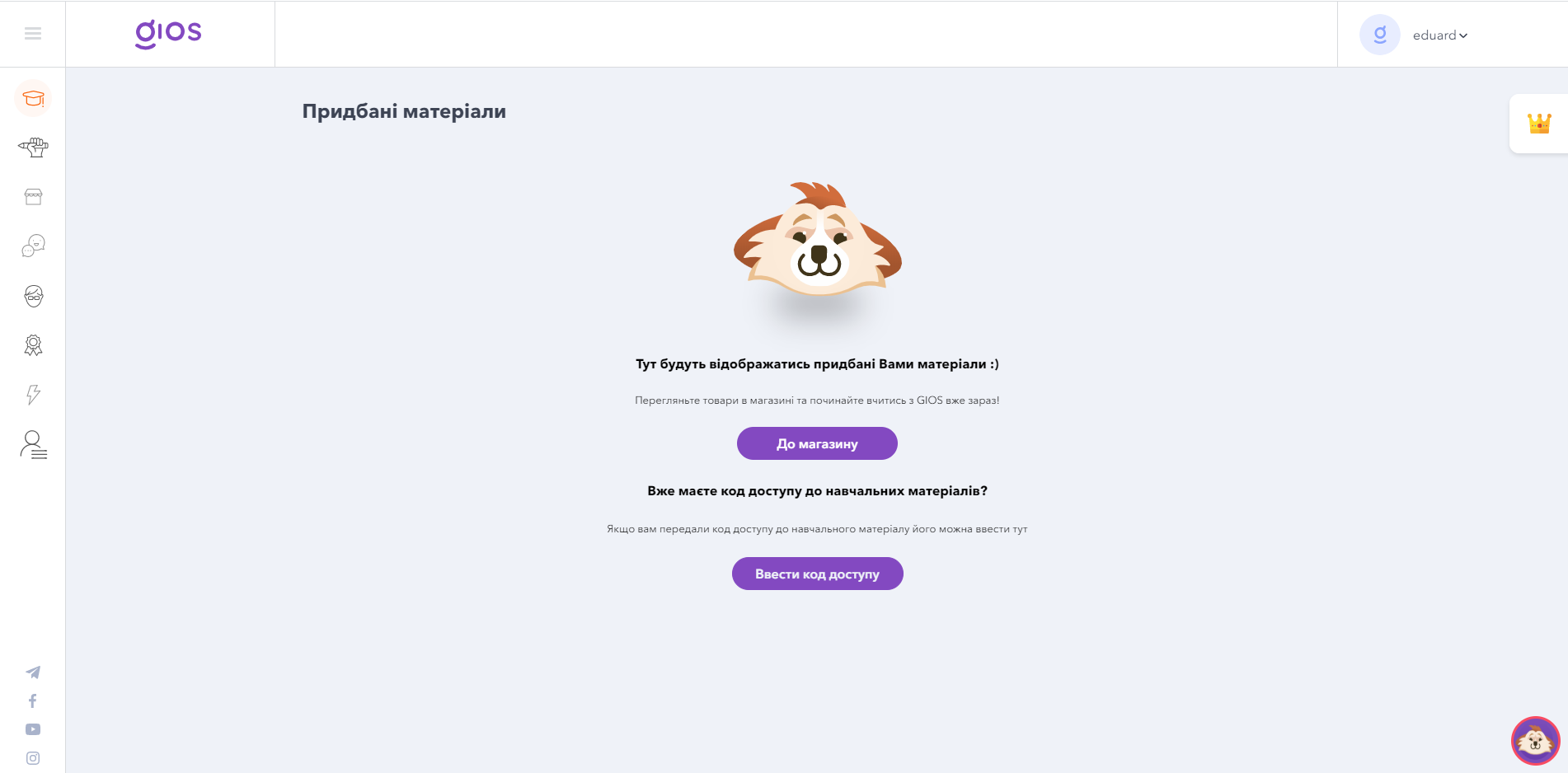
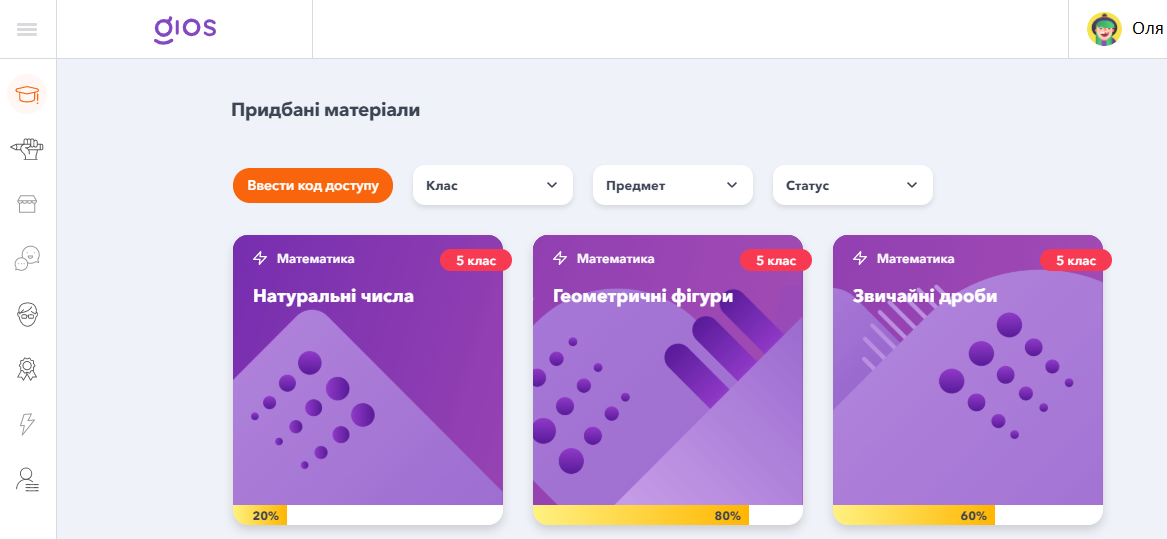
After entering the code, students will see cards with learning materials.
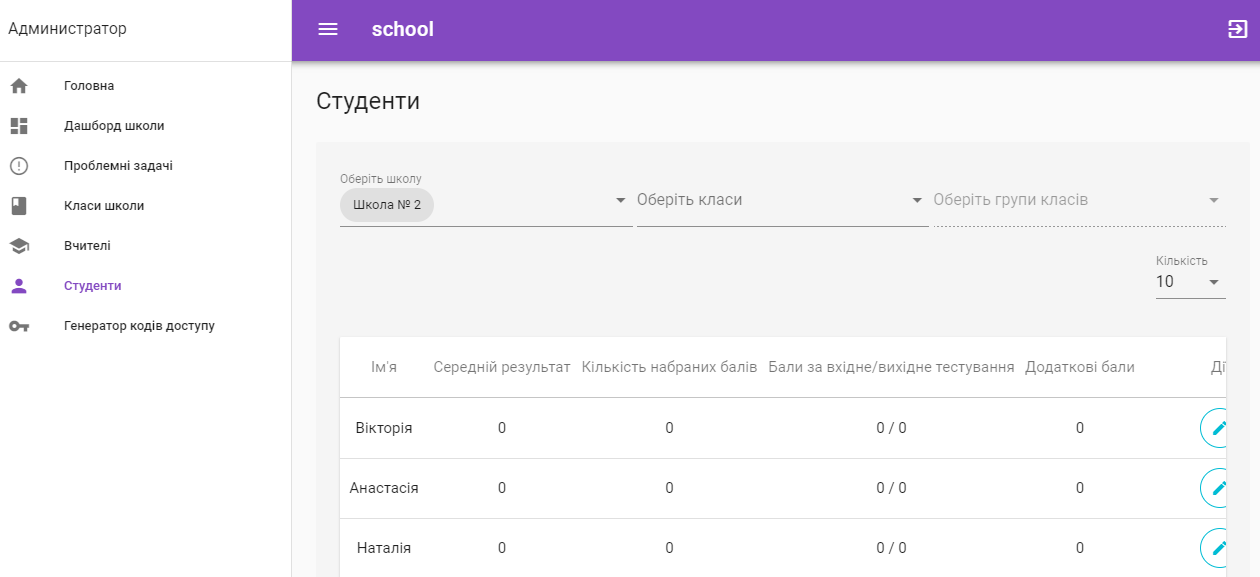
The student will appear in your teacher account’s student list.
Set the rules. Do you allow students to complete lessons in advance? Will you assess their work on the platform? Will you set deadlines for particular types of work?
To familiarize students with the platform interface, suggest that they read this article or explain it yourself.