
GIOS – an interactive, gamified platform for studying mathematics and critical thinking from 5th to 9th grade. The platform contains video lessons, tests, interesting tasks and bright reference diagrams. The main character of the platform – Meerkat accompanies the student throughout his studies. Badges awarded to students for achievements on the platform and avatars that can be purchased with earned points motivate students and turn learning into a game!
Content
After gaining access to the platform, purchased materials appear in the student’s personal account.
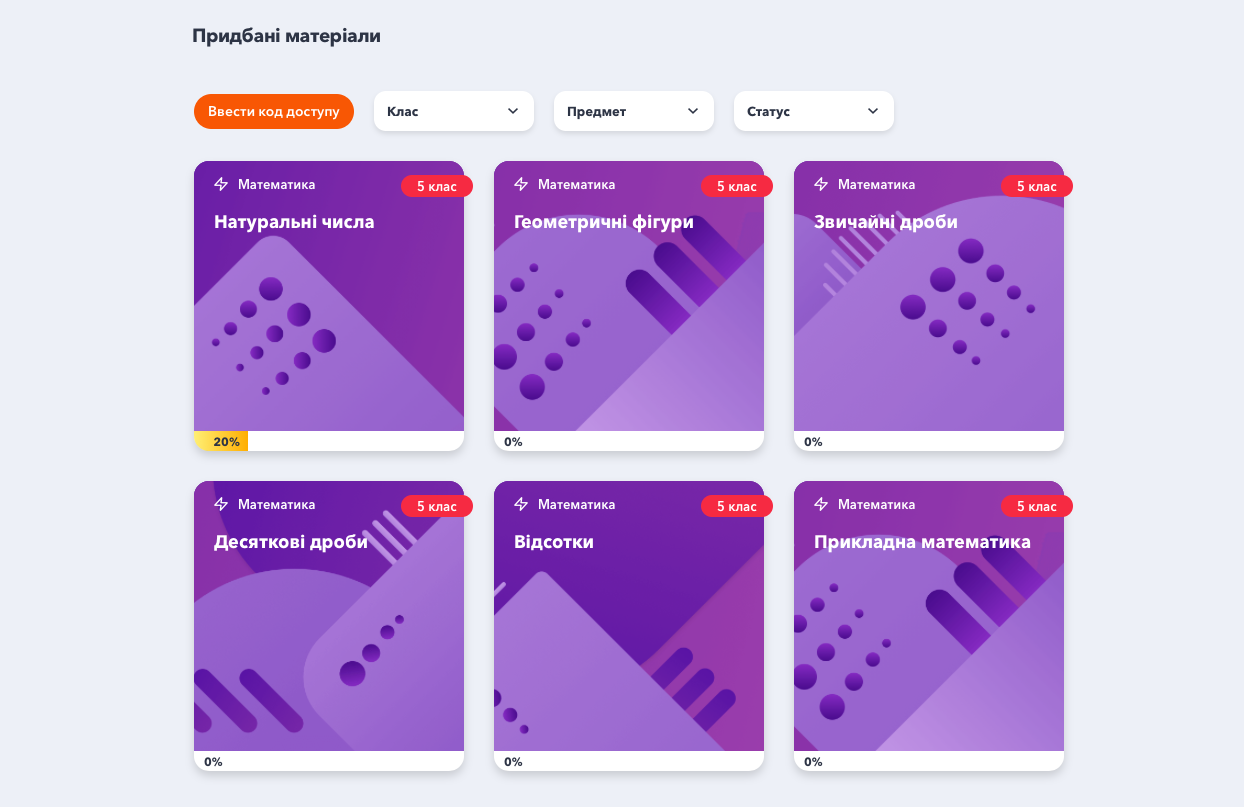 In order to start studying, the student must choose a topic. The orange ribbon at the bottom of each card shows the progress of each topic. The topic includes several lessons, an optional entrance test and a mandatory final test.
 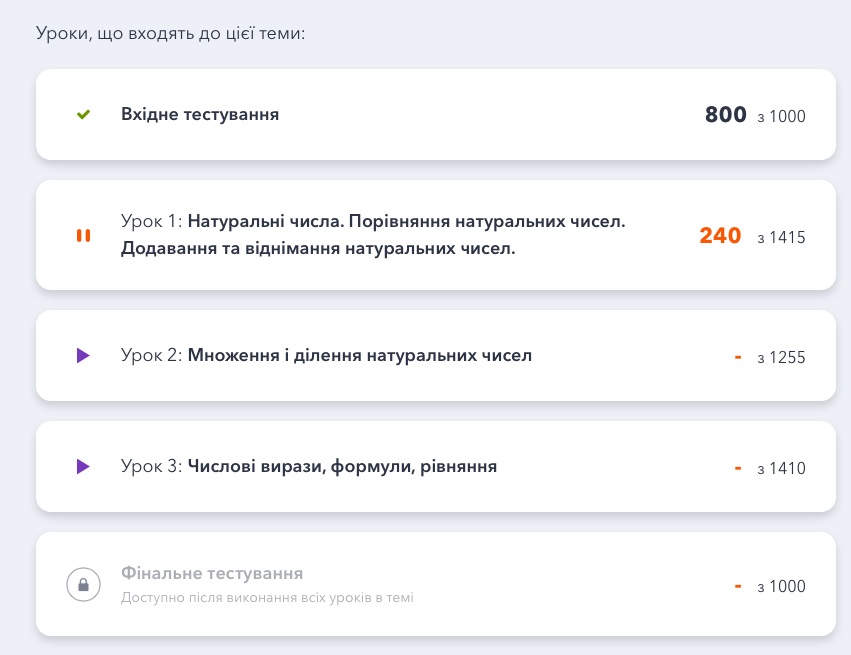 The student can take an entrance test, which will help to understand the level of knowledge on the chosen topic. If desired, the entrance test can be skipped. But it is desirable to perform it in order to compare the results of the entrance and exit testing in the future.
Each lesson in the topic consists of a theoretical and a practical part.
The theoretical part consists of a video, a scheme and examples of solved problems. At the beginning of each topic, the student watches an interesting video lecture. 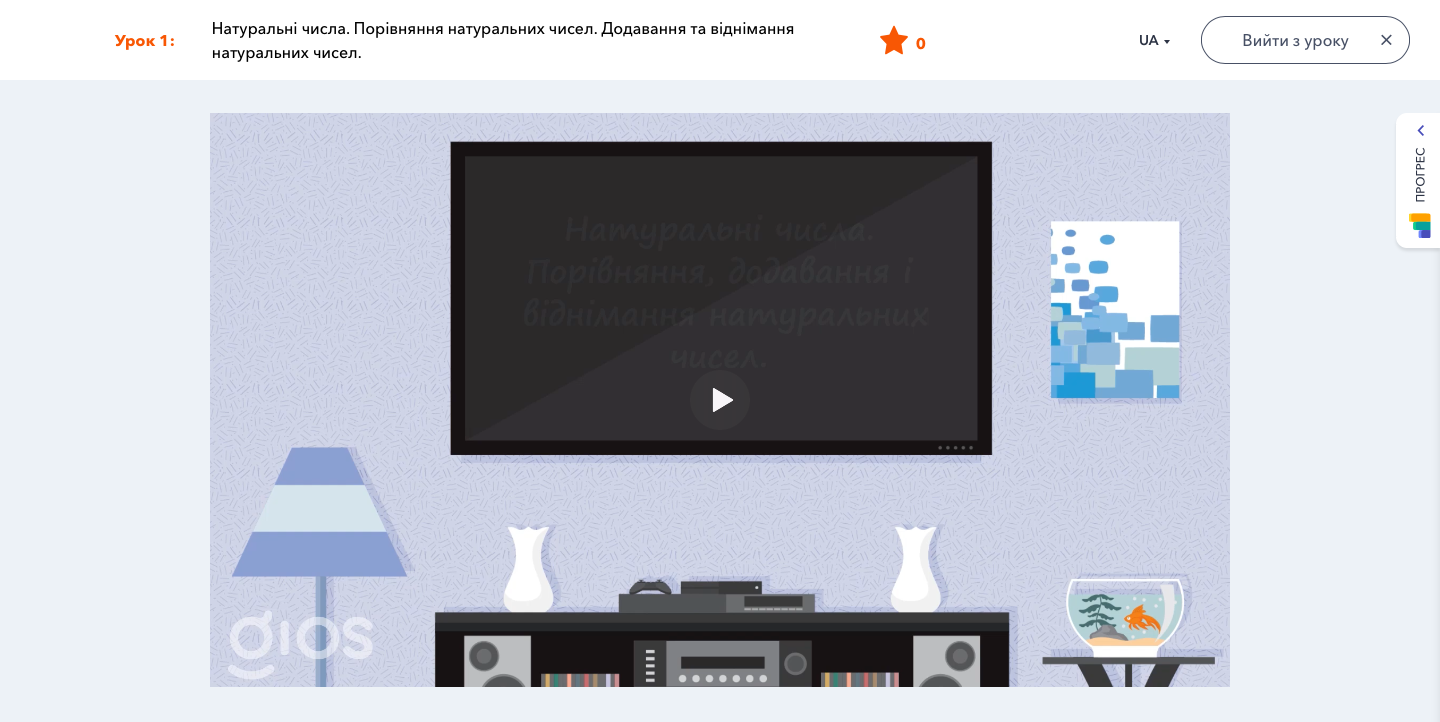
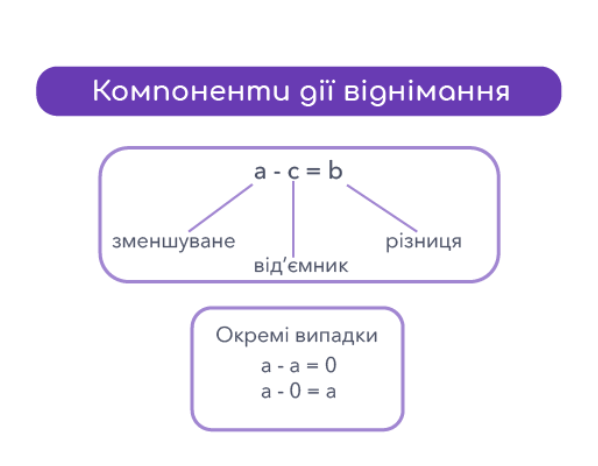
Next – looks at bright reference diagrams showing connections between concepts.
After that, students have the opportunity to view examples of solved typical tasks. Thoughtful analysis of these tasks by students will help them understand the application of theoretical material to solving tasks.
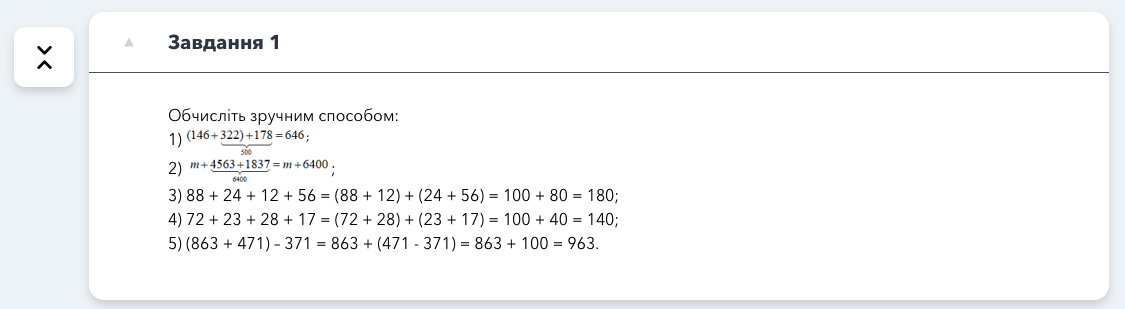
Next, the student moves on to the practical part: tasks in a test form, tasks for determining compliance, the order of actions, finding an error and entering an answer.
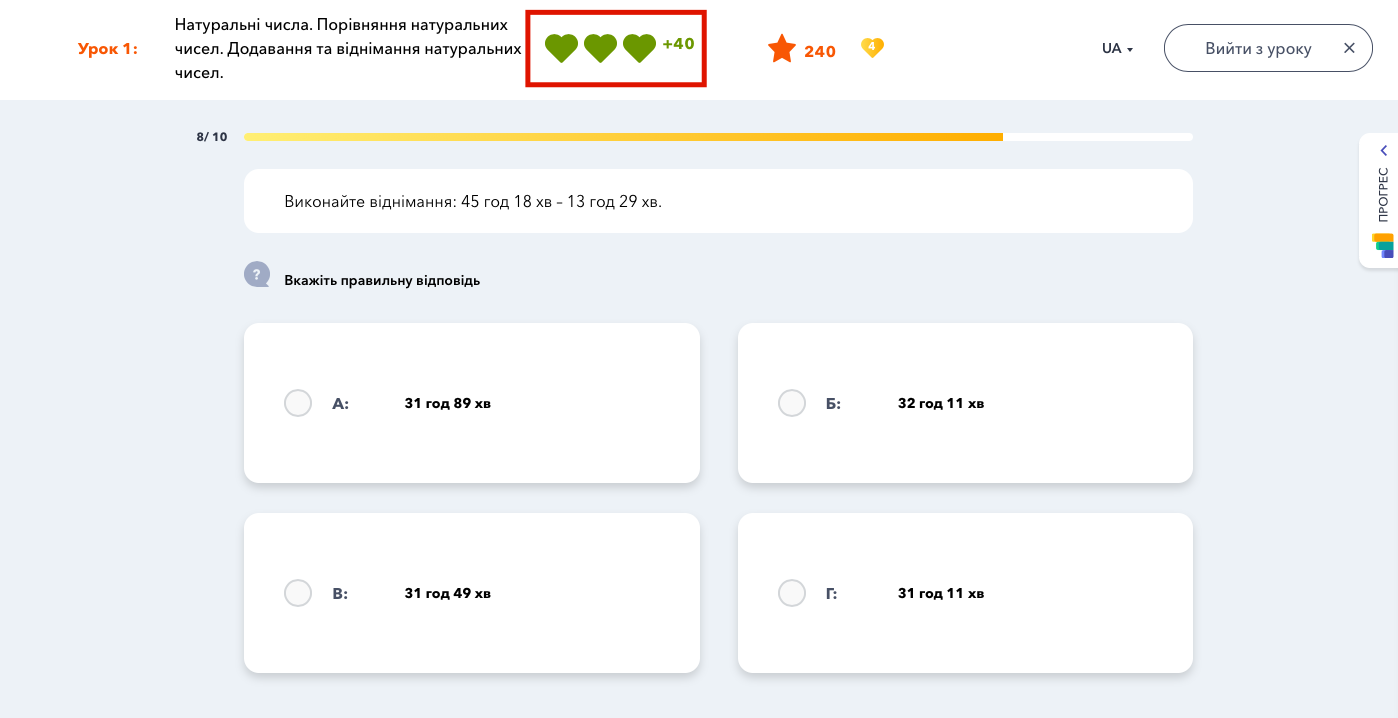
Tasks in test form educational purpose, that is, in the process of their implementation, the student realizes mastery of the topic in practice. When performing tasks in the test form, students can make mistakes and learn in the process of this type of work. If the student gives the correct answer the first time, he receives the maximum number of points (40 points).
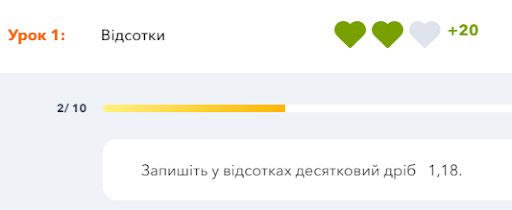
If the student gave the correct answer on the second attempt, he earns only (20 points).
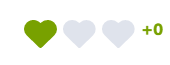
For the correct answer on the third and fourth attempts, the student does not earn points.
Matching task help to get used to the format of the ZNO and DPA. The student must drag the corresponding slots into the cells. There can be more slots than cells (in which case you only need to drag a few slots).
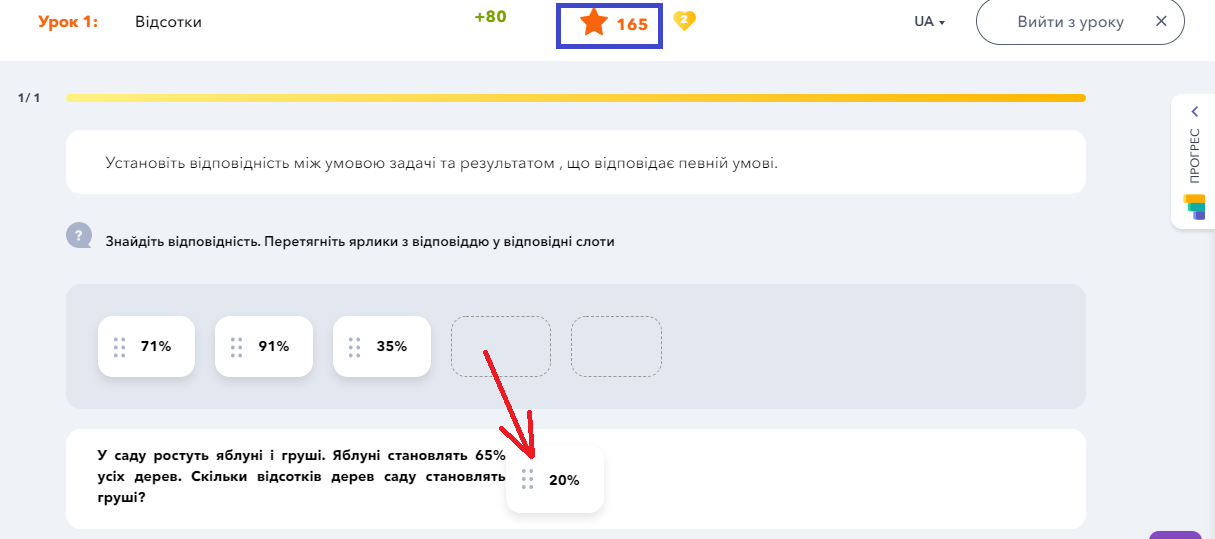
A student can get 80 points for the matching task.
If the student answered incorrectly the first time, the correct answers appear in front of him.
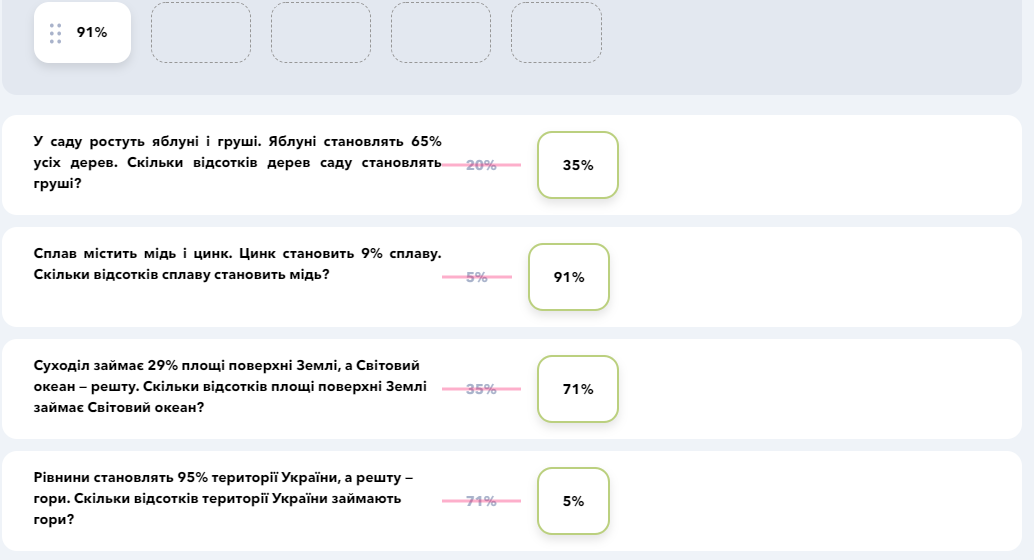
Now the student has the opportunity to analyze the mistakes made. The system offers a similar task (the student can complete it or skip it). A student can also earn 80 points for a correctly completed similar task
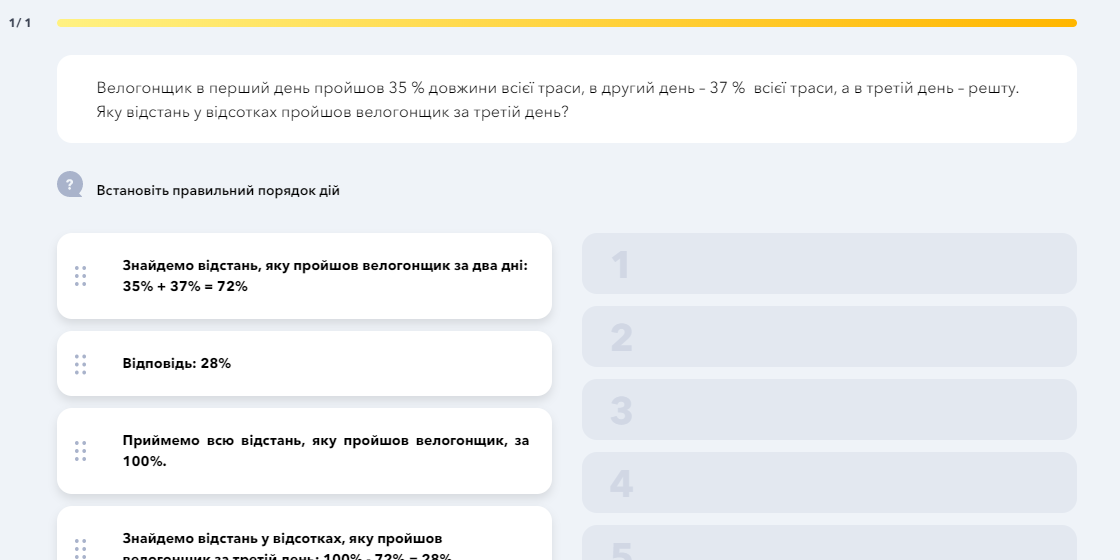
The task of establishing the correct course of action. The students are presented with the condition of the task and the solution presented in pieces. The student must assemble these pieces in the correct order like a puzzle.
For a correctly completed task, the student receives 80 points.
After confirming the answer, the student sees the correct order.
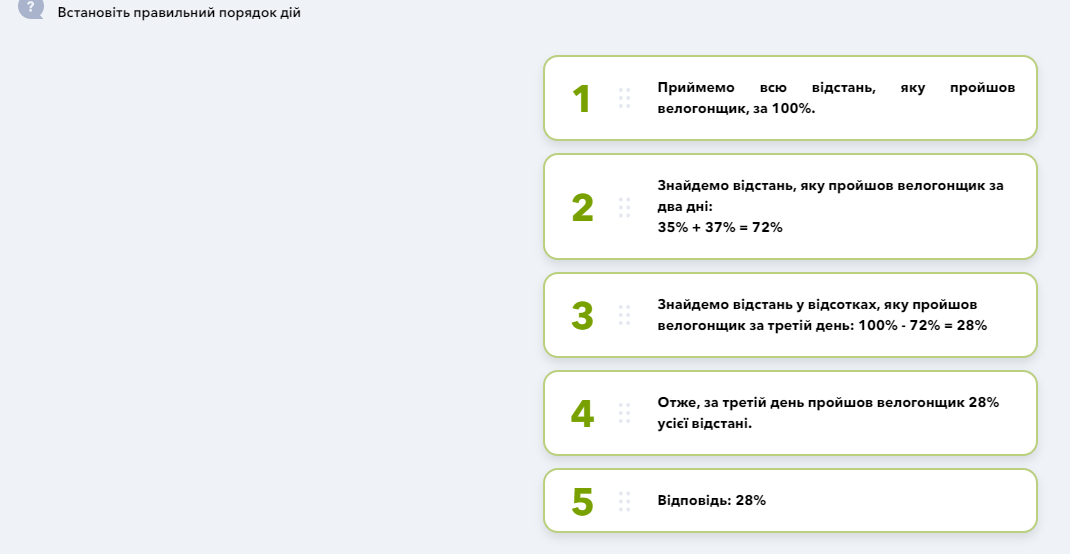
If the student made a mistake, he has the opportunity to solve a similar problem and earn 80 points.
Error finding task helps develop students’ critical thinking. Students have a condition and a solution with errors. The student must choose the FIRST row in which a mistake was made.
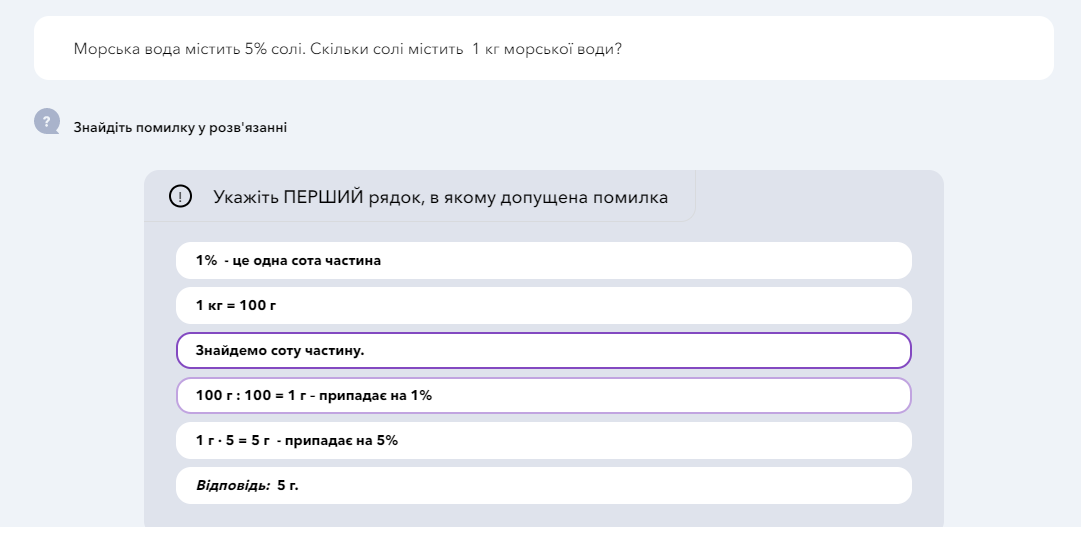
If the student chooses the wrong line, he has the opportunity to solve a similar problem and earn 80 points.
Answer input task. Answer typing tasks are the most difficult. There are 3 of them prepared for students. Moreover, the second and third are tasks of increased complexity. Often, in order to solve tasks for entering the answer, students will need to additionally complete the solution on a piece of paper, and enter only a number in the answer.
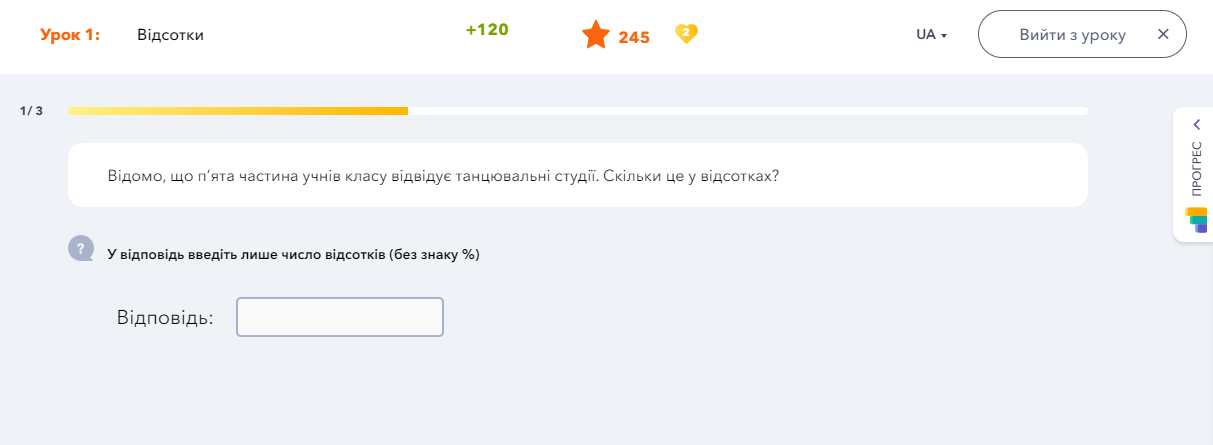
A student can earn 120 points for each answer entry task.
If the student entered the wrong answer, he is offered a similar task and can receive 120 points for it.
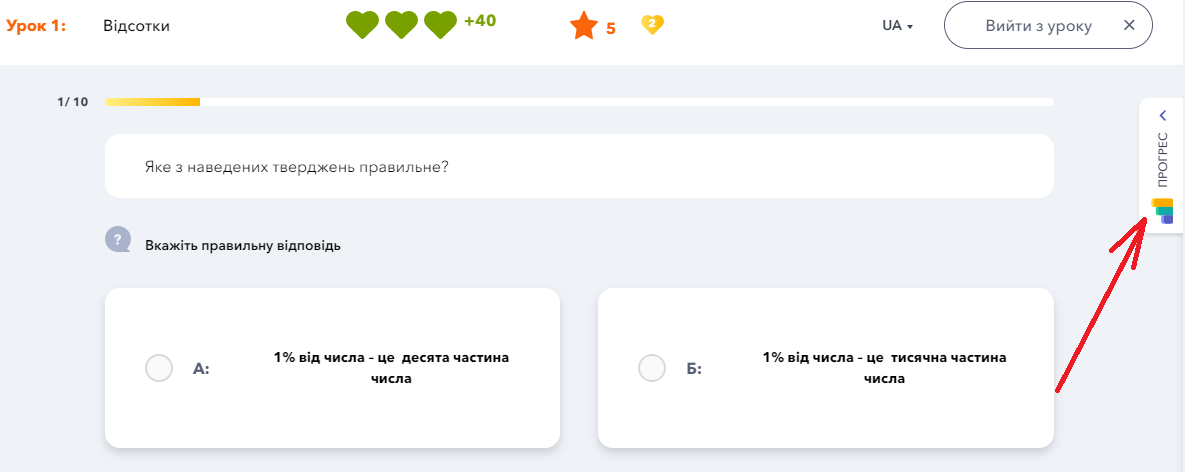
At any moment, the student can watch the video again or refer to the scheme or examples of solved tasks using the Progress tab.
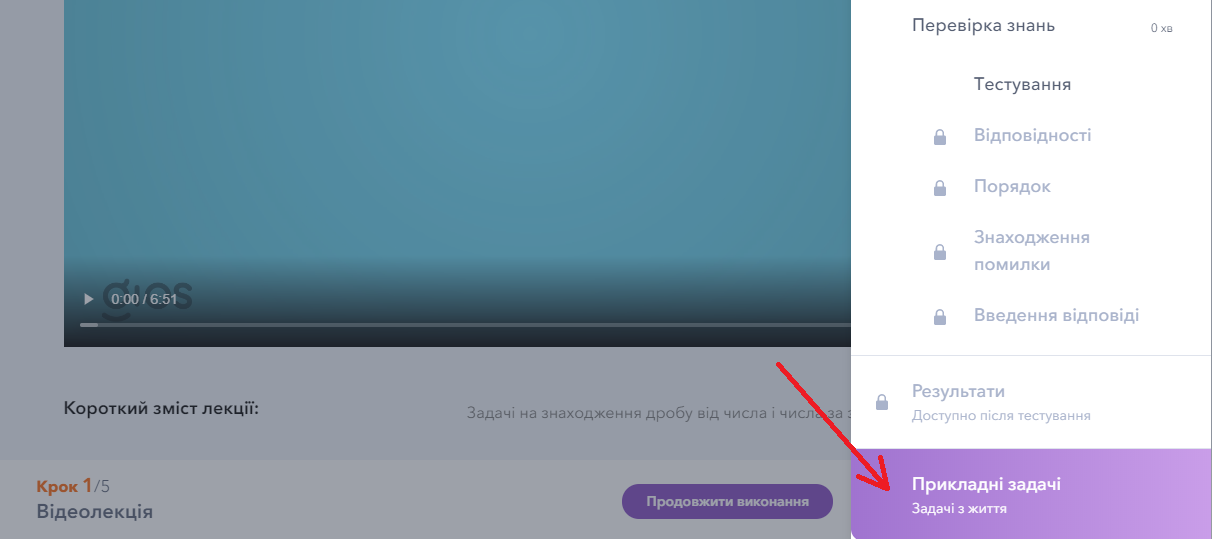
There are also additional tasks for some lessons contained in the section “Block of applied tasks”. These problems show exactly where in life the student can use the knowledge of the given topic. The block of applied problems is available not only at the end of the lesson, but at any time.
After passing some blocks on the platform, the student can get an extra life, which gives the right to make a mistake when repeating the lesson.
With the help of the dashboard, the student can analyze in which types of tasks he earned the most (least) points. If desired, the student can improve his result. In this case, the system will offer the student 16 new tasks that are similar to the ones the student has already solved. The student will no longer have the right to make a mistake, but will be able to use an extra life.
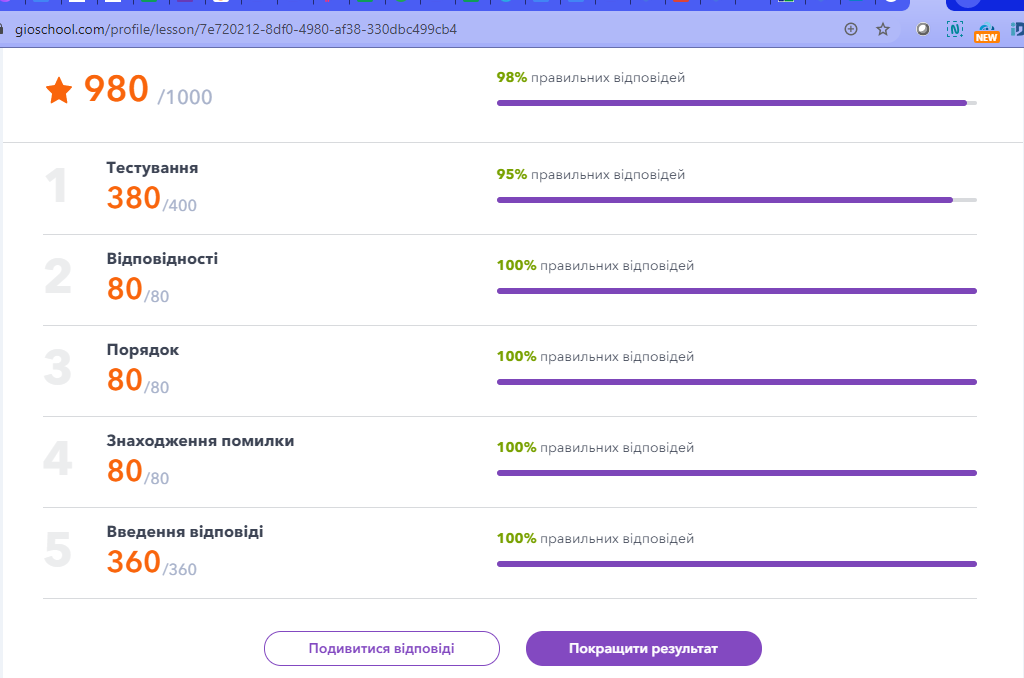
From two passes of 16 tasks, the best result is saved.
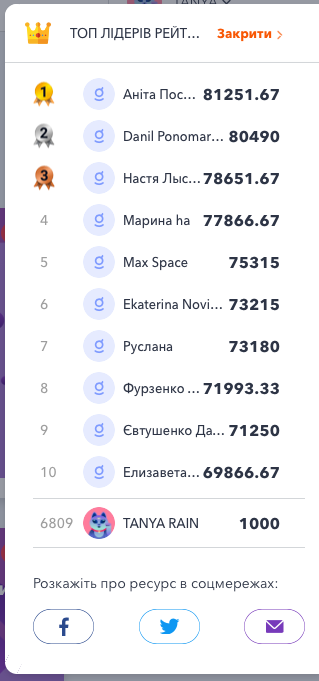
In the personal account, on the right, the student can see the rating of all users of the platform and, most importantly, his place in it. Each time, earning new points, the student sees the number in the rating and can track his progress.
On the left, the student will see a panel with available functions. Shall we consider them? 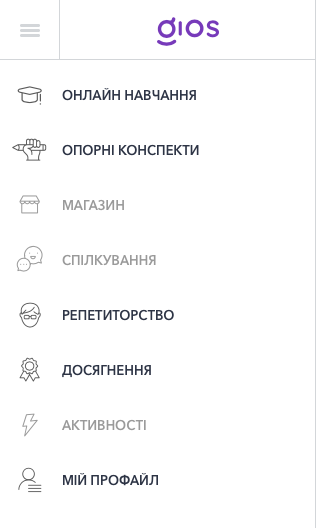
1. On the first tab “Online learning” the learner can view all purchased materials and start learning on the platform.
2. On the second tab “Reference notes” diagrams with a short theory from the lecture will be displayed, which the student watches during the lessons. He will always have quick access to this information.
3. Controlling classes with a tutor has never been more convenient. Go to the tab “Tutoring”. This tab displays planned, current, and past classes with a tutor. A student can manage his classes and their status.
4. The student monitors his progress and earned points using the tab “Achievement”. Here he can see the number of lessons completed, the number of topics purchased, the points earned and the number of correct answers on the platform while studying. 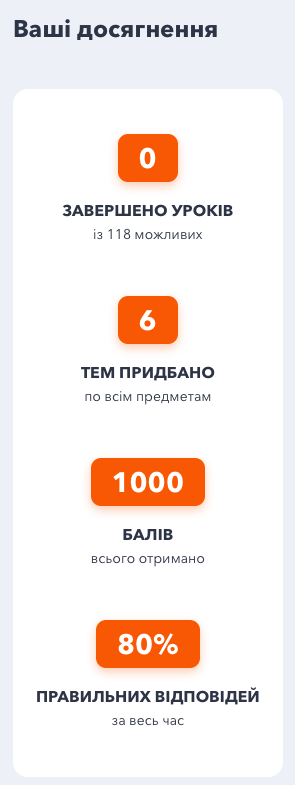 In addition, he can find badges and avatars here. Badges are awarded to a learner for specific achievements on the platform. For example, “5 lessons completed”, “3 days of classes in a row”, etc. Active users of the platform can open all badges. This motivates students to study more conscientiously.
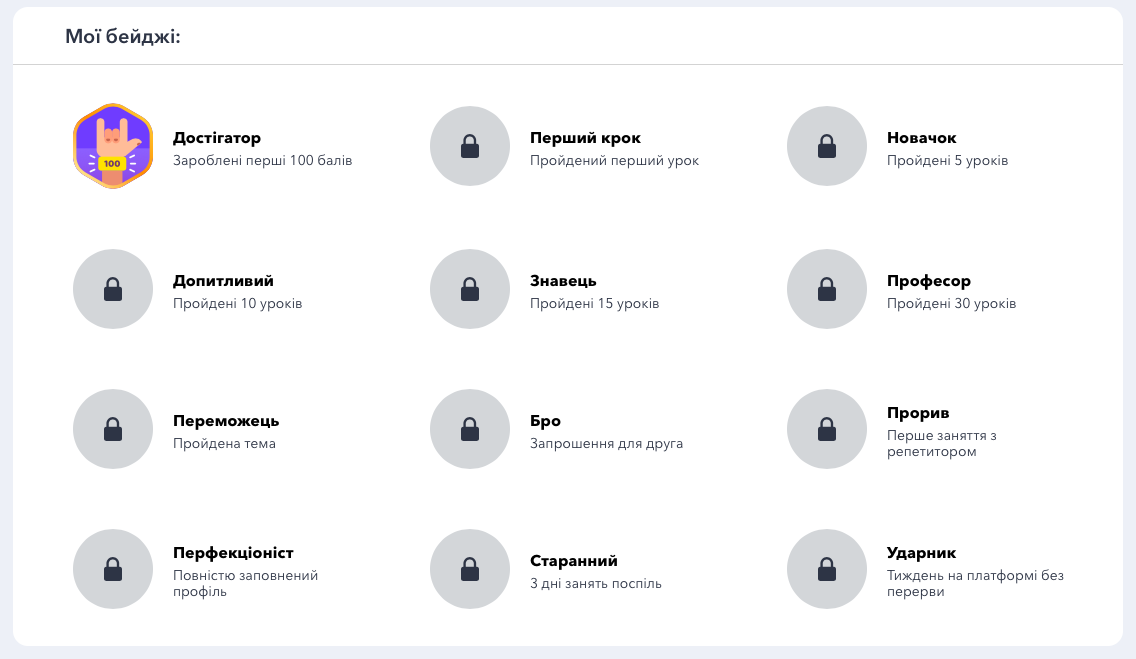
Avatars can be purchased by the student for earned points, which are given to him during tests and completing tasks on the platform. The better the completed lessons – the more points the student can earn, accordingly, the better avatar he can apply to his profile.
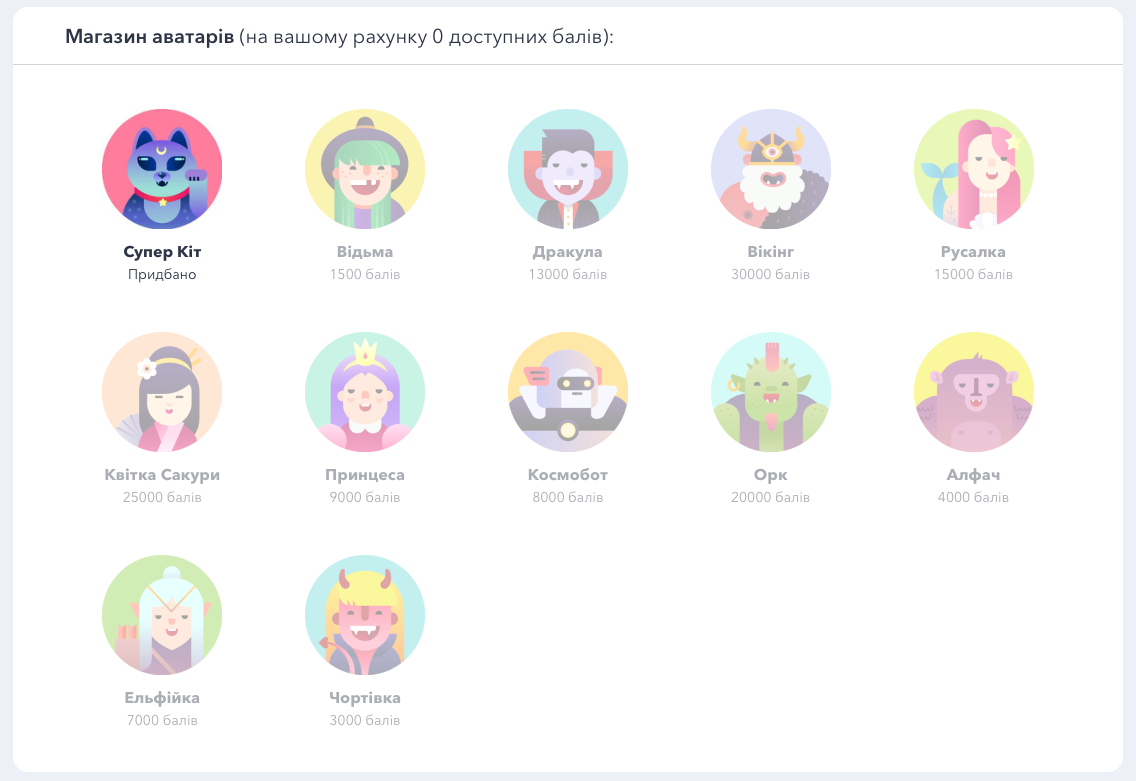
5. Want to change your avatar, password, or anything else related to your profile settings? Check your points balance? Then the student needs a page “My profile”! You can change your avatar, email, name or phone number in this tab.
The GIOS platform is quite an adventure! Learning while playing is possible! See for yourself by learning math on the platform.